
Put your work in the frame with mokmok.
Turn a website or app screenshot into a device mockup for your portfolio, presentation, or launch.
Open editor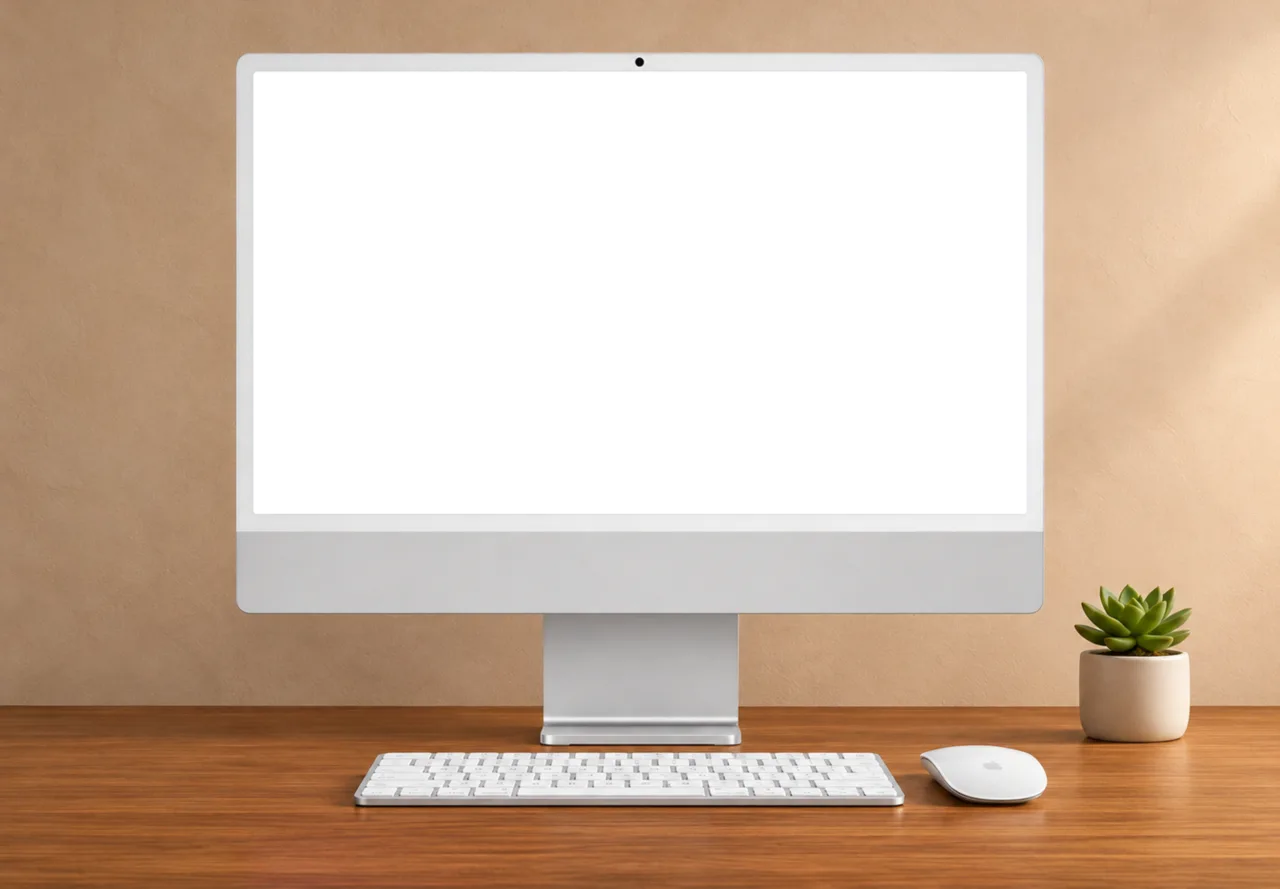
How it works
Pick a frame
Choose a phone, desktop, laptop, or browser frame. Add up to four to one canvas.
Make it fit
Add your screenshot, drag the screen corners to match the perspective, and set the background.
Export your mockup
Download a PNG, JPG, or WebP at up to 3× resolution. PNG and WebP support transparency.
Your screenshots stay in your browser. How Mockmock handles your data
Stay tuned. New mockups coming soon!